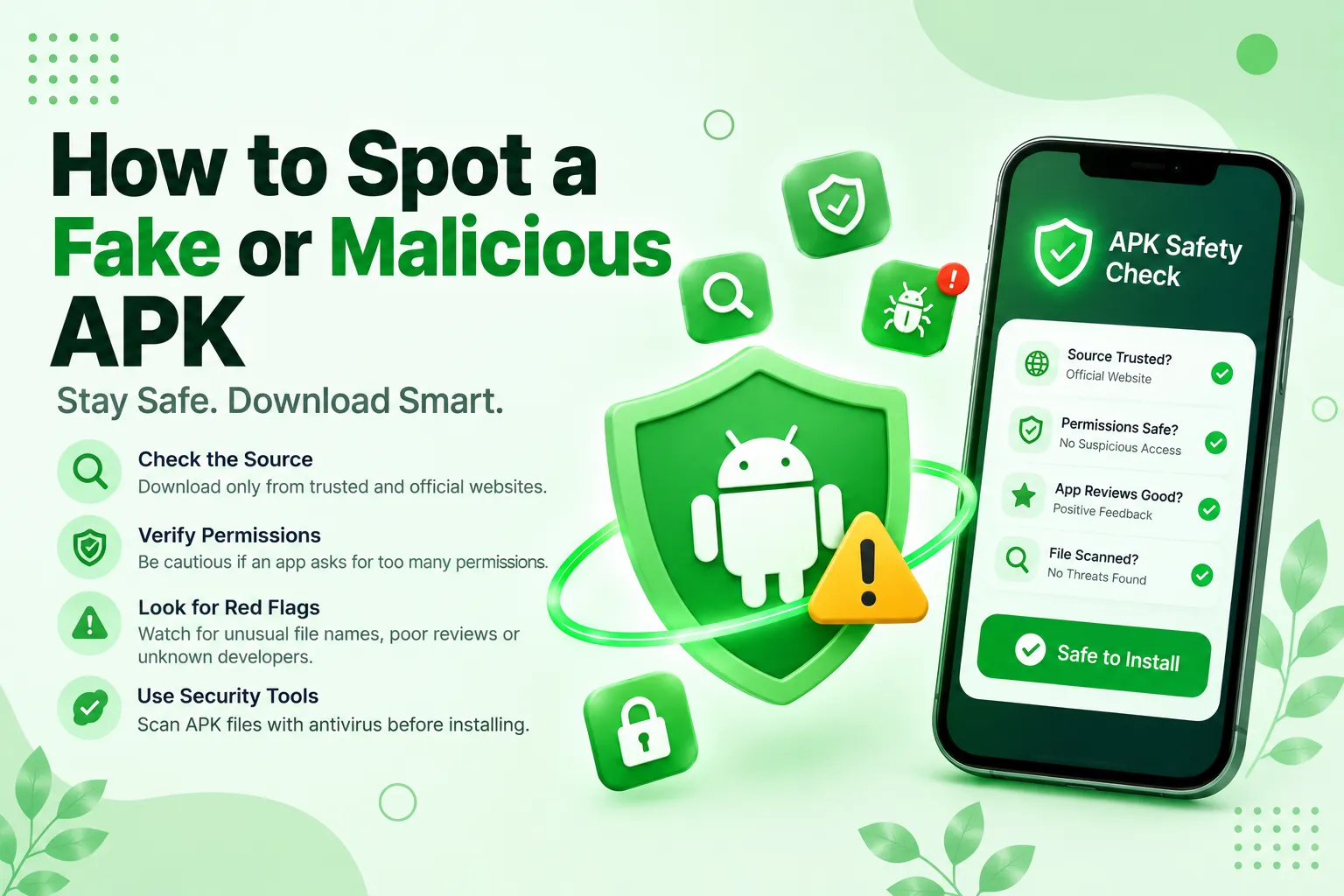
Downloading APKs from outside the Google Play Store is normal now, especially for modded apps. But it also opens the door to fake and malicious files that pretend to be something they are not. Learning how to identify suspicious APK files before installing them can help protect your device and personal information.
Check the File Size First
One of the easiest ways to spot a fake APK is to compare its file size with the original app. If the official app is usually 50 MB and the one you downloaded is only 5MB, that’s a big point to notice. A noticeably different file size can be a warning sign, especially when the APK claims to be the same version as the official app. However, file sizes can also vary because of compression, device compatibility, or different app versions. Always check other details before deciding whether a file is suspicious.
Look At the Permissions Required
Android apps may request permissions during installation or when you use certain features. Reviewing these permissions can help you identify apps that request unnecessary access to your device. A simple wallpaper app asking for SMS or call log access makes no sense at all. If the permissions don’t match what the app is supposed to do, don’t install it. This mismatch is one of the clear signs that something is wrong with that app.
Source Website Reputation Matters
Fake APKs mostly spread through random sites that show up in search results or random pop-ups. These sites usually trap people with titles like “unlimited coins” or “premium unlocked for free”. Some third-party APK platforms, including HappyMod, provide app descriptions, version details, and user feedback to help people evaluate downloads. However, these details do not guarantee that every APK is safe. Even files downloaded from popular websites should be checked before installation.
Scan before Installation
Never skip this step. Upload the APK file to an app scanner like VirusTotal before installing; it will check the file with dozens of antivirus programs at once and take a few minutes. If several security scanners flag the APK as malicious, avoid installing it. Keep in mind that a clean scan does not guarantee complete safety, as some threats may go undetected. You should also keep Google Play Protect enabled for additional protection. Avoid uploading private or sensitive APK files to public scanning services.
Too Many Ads & Pop-Ups
Sometimes, an APK file looks clean before installing but later starts to show unwanted ads, redirects, or asks for extra permissions. This is a common trick where the malicious part activates; keep an eye on the app’s behaviour and uninstall it if you feel anything is wrong.
Before installing an APK, it’s important to understand the risks and follow the correct installation steps. Read our guide on how to install apps outside the Google Play Store to learn more.
Final Thoughts
Spotting a fake or malicious APK can save your device from malware and secure your privacy before it gets stolen. For that, you have to pay attention to small details such as file size, permissions, source reputation, and scanning before installing. None of these steps take much time, but skipping them can lead people to get malware on their phone. Always download APK files from sources you can verify, review their permissions, and scan them before installing them on your Android device.
2 thoughts on “How to Spot a Fake or Malicious APK”