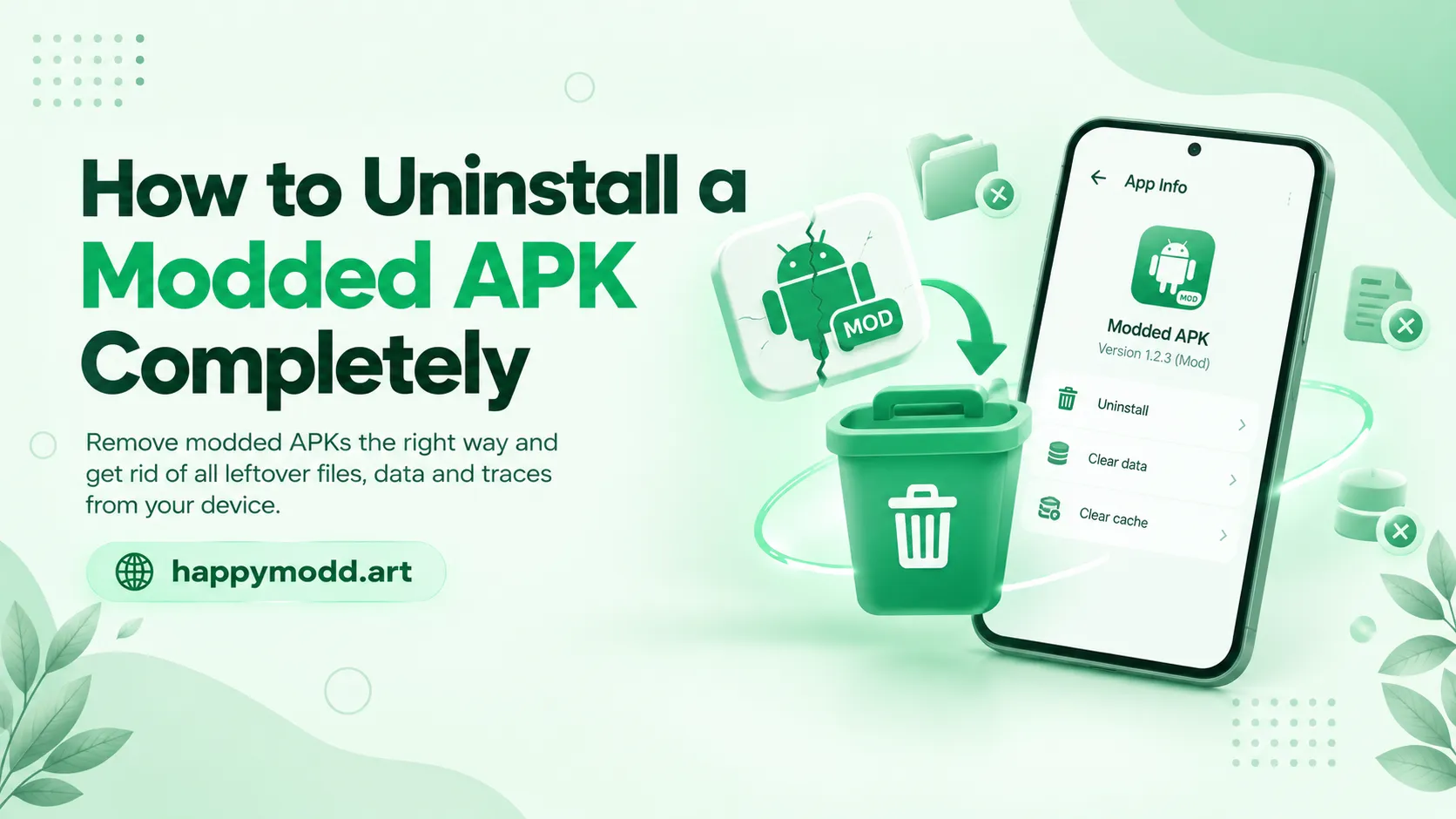
Sometimes a modded app stops working, causes issues, or you just want to switch to a different version, and a normal uninstall doesn’t always remove everything. Leftover files and cached data can cause trouble over time, so here is the complete guide for how to actually clean it out completely.
Uninstall through settings first
The first step is to uninstall the app from your phone’s settings. For that, go to your device settings, then Apps, locate the modded app, and click Uninstall. This will remove the main app but often leave behind the files in your internal storage, especially if the app created its own data outside the standard app folder.
Clear Data and Cache before Uninstalling
Before you uninstall the app, go to the app’s info page and clear both Cache and storage data first. This will remove all the local files properly instead of leaving data behind after the app is gone. It’s a small step that most of the people skip.
Check Internal Storage For Leftover Folders
After uninstalling the app, open your file manager app and check your internal storage, especially folders like Android/data, Android/obb, and the root storage folder. Modded apps sometimes create their own named folders here to save file data or resources, and uninstalling just the app won’t remove those files.
Remove Cached Login or Account Data
If a modded app was connected to any of your accounts, login sessions, or in-app purchase records, some of that info can stay cached on the device or sometimes be synced with Google Play services. To remove that, go to your Google account app permissions and revoke access for the app data. This will remove all data completely.
Use a Dedicated Uninstaller App if Needed
If you are still finding traces after uninstalling the app file, a dedicated uninstaller app can scan your device and help you locate and remove the leftover files. This is useful for people who install and remove a lot of modded apps regularly and want a clean device experience.
Final Thoughts
A complete uninstall of APKs isn’t just hitting the uninstall button; for that, you have to clear the cache and data first, check internal storage folders, and remove any linked account access. Taking these steps makes sure a modded APK doesn’t leave junk files behind that eat your device’s storage over time.